Creative Song Builders (Piano & Guitar)
Go beyond playing pre-made tracks. Use the dedicated Piano Song Builder and Guitar Song Builder to craft your own compositions, sequence chord progressions, and export your musical creations.
Play, record, and master authentic instruments right in your browser. Practice with interactive song games, visual chord trainers, and plug-and-play Web MIDI support.
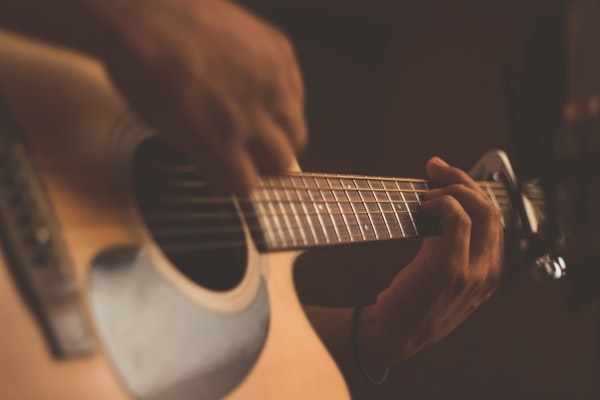
Strum, pick and learn chords with smart tools and tuner.
Play Guitar →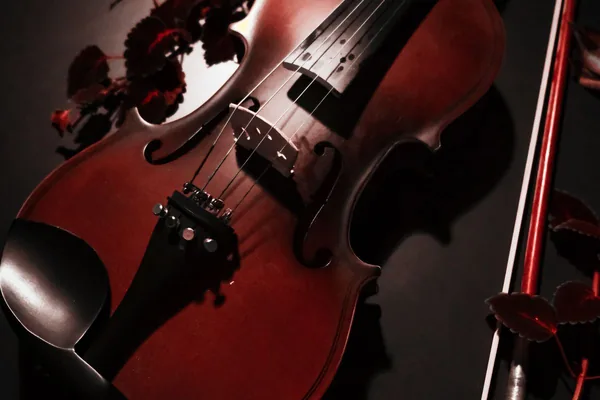
Bow a two-octave violin with warm vibrato tone, keyboard and MIDI.
Play Violin →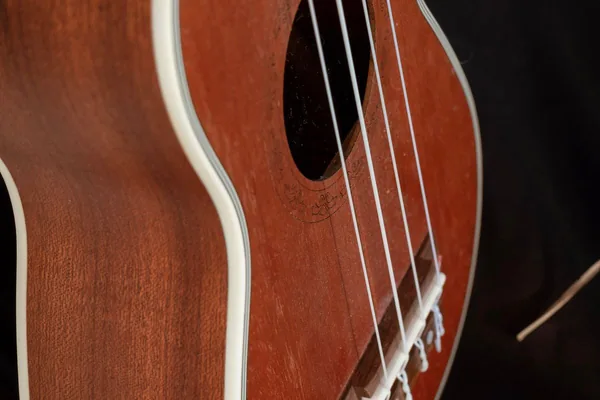
Strum a sunny ukulele with bright nylon pluck, keyboard and MIDI.
Play Ukulele →
Play sitar with jawari buzz and sympathetic shimmer, keyboard and MIDI.
Play Sitar →
Play beautiful keys, explore sounds and practice notes.
Play Piano →
Pluck a 17-tine kalimba with a warm music-box tone, keyboard and MIDI.
Play Thumb Piano →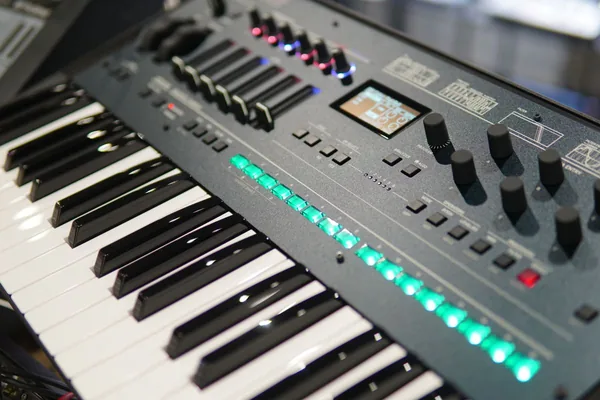
Twist a pocket subtractive synth — waveforms, filter cutoff, keyboard and MIDI.
Play Mini Synth →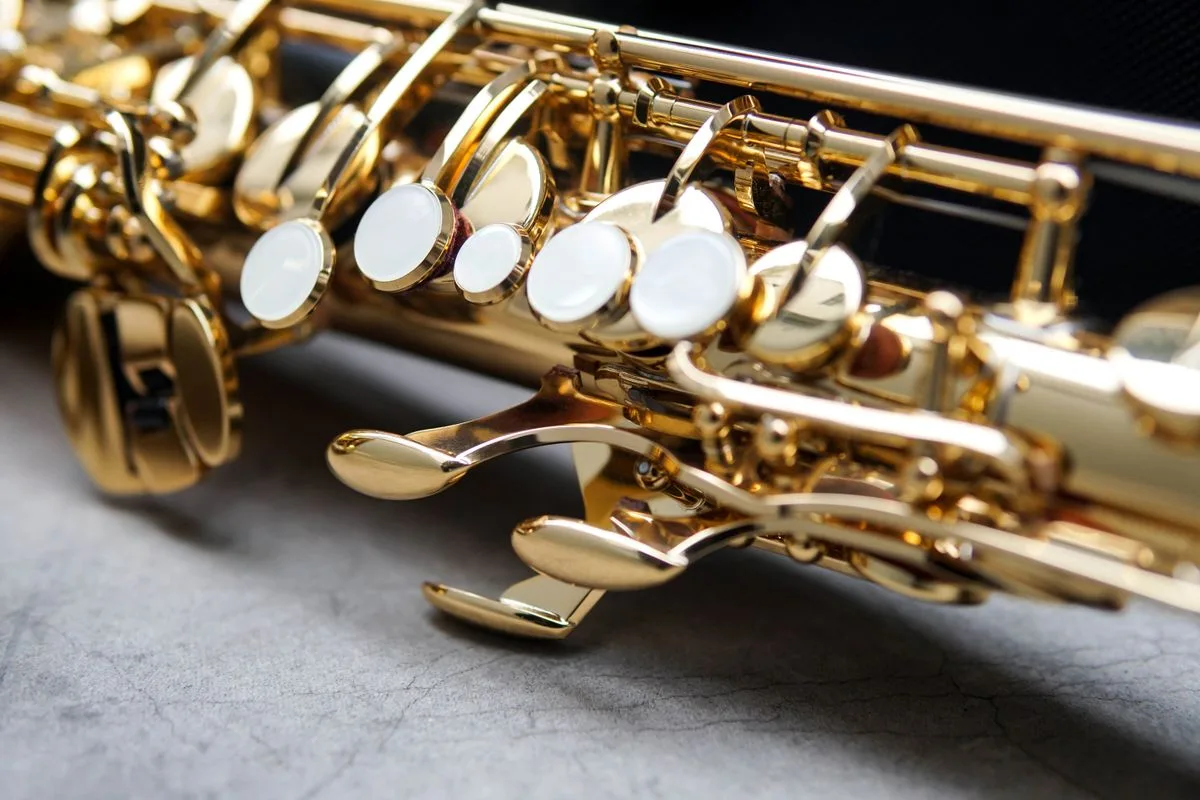
Play saxophone online with real fingerings, breath-like synth tone, keyboard and MIDI.
Play Saxophone →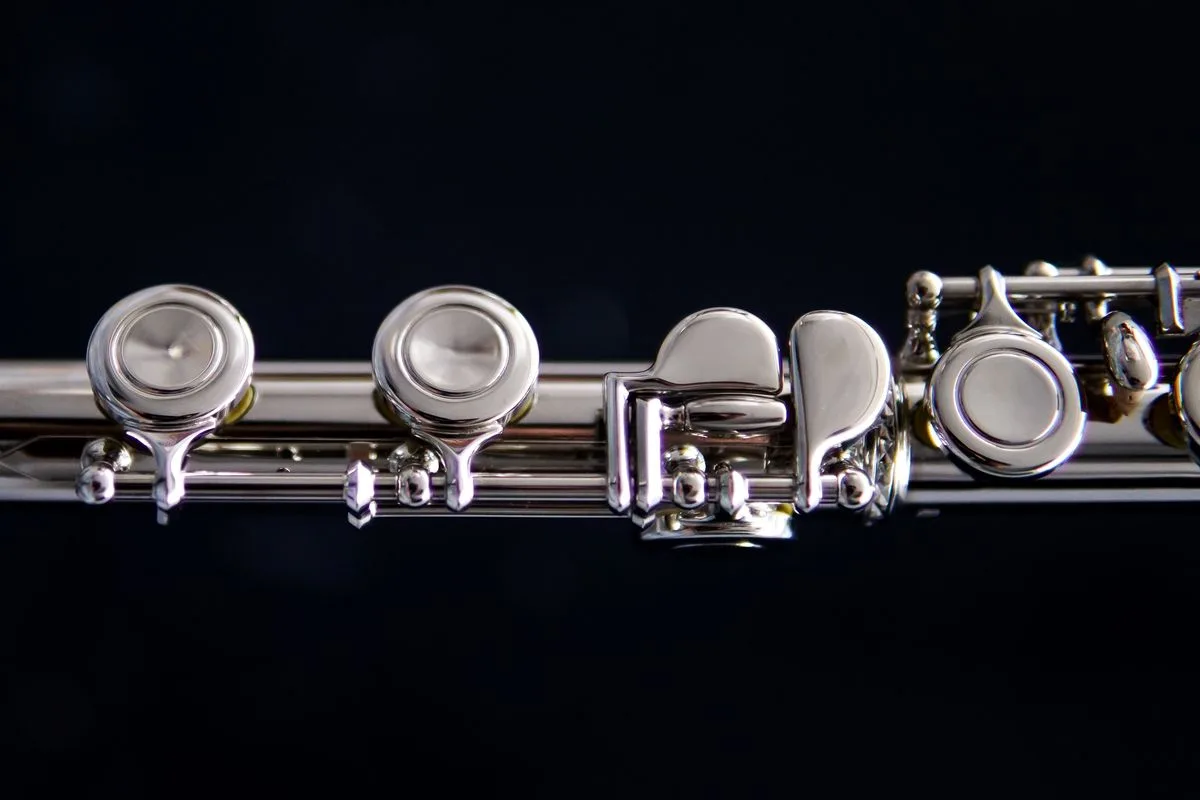
Play flute online with real fingerings, breathy silver tone, keyboard and MIDI.
Play Flute →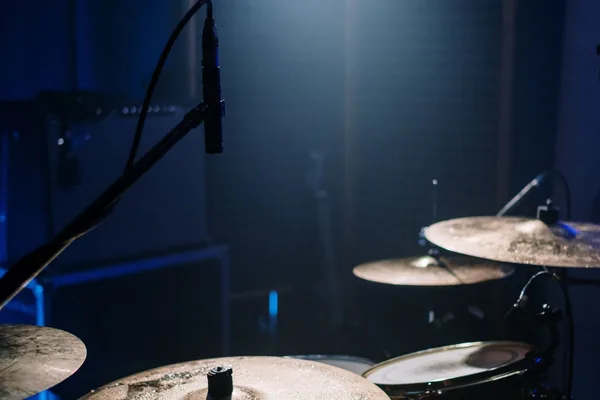
Play online drums with responsive pads, real beats, and full keyboard/touch support.
Play Drums →
Beat a dholak hand drum — bass, slap, treble and rim, keyboard and MIDI.
Play Dholak →🎸 Strings (Guitar, Violin, Ukulele, Sitar) • 🎹 Keys (Piano, Kalimba, Mini Synth) • 🎷 Wind (Saxophone, Flute) • 🥁 Percussion (Drums, Dholak)
Go beyond playing pre-made tracks. Use the dedicated Piano Song Builder and Guitar Song Builder to craft your own compositions, sequence chord progressions, and export your musical creations.
Stay motivated with interactive learning challenges. Take musical ear-training and chord quizzes, earn mastery points, and build both page-specific streaks and your global playing streak as you practice daily.
Play authentic acoustic and synthesized instruments in one tab: Western standards (piano, acoustic & electric guitar, violin, saxophone, flute, drum kit, mini synth) and world/ethnic instruments (Hawaiian ukulele, African kalimba, Indian sitar, Indian dholak).
Never leave your browser. Tune your real instruments with the digital tuner, lock in your timing with the metronome, and consult visual chord progression charts whenever you practice.
Hardware-accelerated browser synthesis that reacts instantly to QWERTY key presses, mobile touches, or plugged-in USB MIDI keyboards and electronic drum pads without installing third-party drivers.
Yes! All 11 virtual instruments (including piano, guitar, violin, flute, saxophone, sitar, dholak, and drums) run 100% inside your browser using the HTML5 Web Audio API. No downloads, native apps, or plugins are required.
Each instrument is mapped to standard QWERTY computer keys. For keyboard, wind, and string instruments (piano, synth, violin, flute, sax, sitar), letter keys trigger specific pitches and notes. For guitars and ukuleles, keys strum chords and pick strings. For drums and dholak, keys trigger different percussion pads. Mobile and tablet touchscreens offer full multi-touch support.
Our Piano and Guitar Song Builders let you arrange custom melodies, experiment with chord progressions, and assemble song tracks step-by-step directly in your browser.
Playing instruments and completing music quizzes earns practice points and counts toward your daily practice streak. You can track both individual instrument streaks and your overall global activity streak right in the top navigation bar.
Open the Drum Kit and tap or click any pad to hear that drum. On a computer the pads are mapped to your keyboard as well, with N for the kick and the letter printed on each pad for the rest of the kit. To practise a rhythm, switch on the beat panel and place hits on the 16-step grid, then set the tempo, swing and room to taste.
Use the Add to Home Screen option in the website's navigation. It lets you add the web app to your device's home screen so you can access it more quickly without repeatedly opening the browser and searching for the website.
The integrated Metronome lets you practice rhythm and chord transitions in real time. You can select your desired BPM (Beats Per Minute) using the tempo slider or input controls, choose your time signature (such as 4/4 or 3/4), start the auditory click track, and practice guitar strums or piano scales at a steady tempo directly in your browser without third-party software.
Mark mode lets you select notes that you want to practice. You can mark multiple notes and then play them back either individually in sequence or together as a group. This is useful for remembering note patterns and practicing specific combinations.
The Labels toggle displays the note names directly on the instrument. For example, on the guitar you can see notes such as C, F#, or G on the fretboard. On the piano, the corresponding note names are displayed on the keys. Labels are off by default to keep the instrument clean, while beginners can turn them on when learning.
The Guitar Tuner uses the device's microphone to detect the played guitar note. Its usefulness depends on factors such as microphone quality, background noise, and how clearly the string is played. For best results, use a reasonably quiet environment and play one string at a time.
Open Guitar Hub → Chord Chart, then search or browse for a chord. The chord view provides its fingering/diagram information and lets you hear the chord. You can then move to the Guitar Simulator to practice it.
The Song Builder lets you create your own arrangement by combining chords and musical settings. You can add chords from the chord library, preview a chord before adding it, reorder chords, remove chords, choose a strumming pattern on guitar, customize patterns per chord, set tempo/BPM, choose chord duration, and preview the complete arrangement. The Guitar and Piano builders follow the same overall creation concept while using their respective instruments.
The current Song Builder supports Record → Playback → Download. You can record your generated performance in the browser, listen to it again, and download the recording. The current recording implementation uses the browser's recording capabilities and produces a WebM audio recording.
Day Streak tracks your activity across days. The goal is to keep practicing and playing regularly rather than only using the platform occasionally. Your streak is displayed in the website's navigation.
The Day/Daily Streak represents your current daily practice activity. Global is a broader progress indicator associated with your overall activity rather than only today's activity. The small (i) information controls beside these metrics explain them directly to users.
Points are part of the platform's learning and gamification system. You can earn points through supported activities such as playing, completing quizzes, and sharing where the existing sharing reward is available. The Quiz feature lets you test your music knowledge and earn points for successful participation.