Şarkı Oluşturucular (Piyano ve Gitar)
Hazır parçaları çalmakla kalmazsınız. Piyano ve gitar şarkı oluşturucularıyla kendi bestelerinizi yapın, akor yürüyüşlerini sıralayın ve eserlerinizi dışa aktarın.
Play, record, and master authentic instruments right in your browser. Practice with interactive song games, visual chord trainers, and plug-and-play Web MIDI support.

Akıllı araçlar ve akort cihazıyla ritim çal, tel çek ve akorları öğren.
Gitar çal →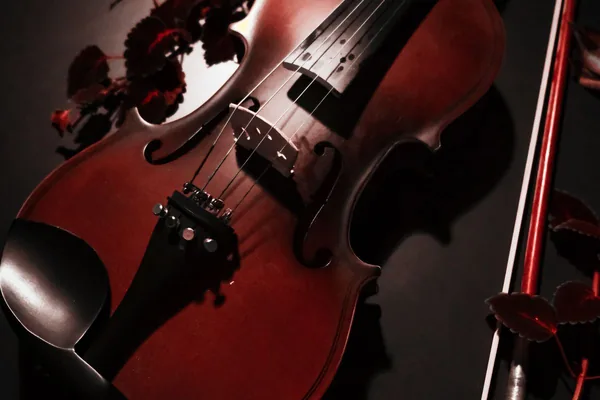
Sıcak vibratolu kemanı klavye ve MIDI ile çalın.
Keman Çal →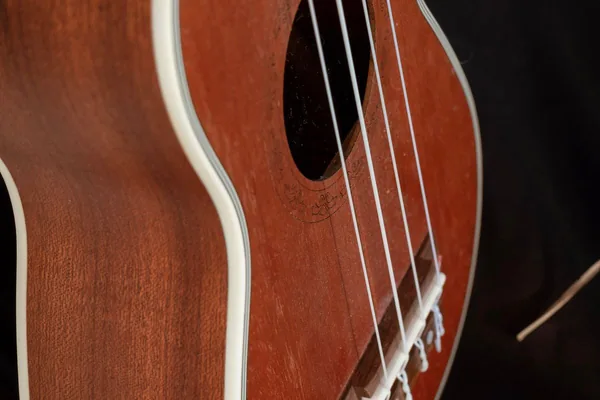
Parlak naylon sesli ukuleleyi klavye ve MIDI ile çalın.
Ukulele Çal →
Jawari tınısı ve sempatik tellerle sitarı klavye ve MIDI ile çalın.
Sitar Çal →
Güzel tuşları çal, sesleri keşfet ve notaları alıştır.
Piyano çal →
Müzik kutusu sesli 17 dilli kalimbayı klavye ve MIDI ile çalın.
Kalimba Çal →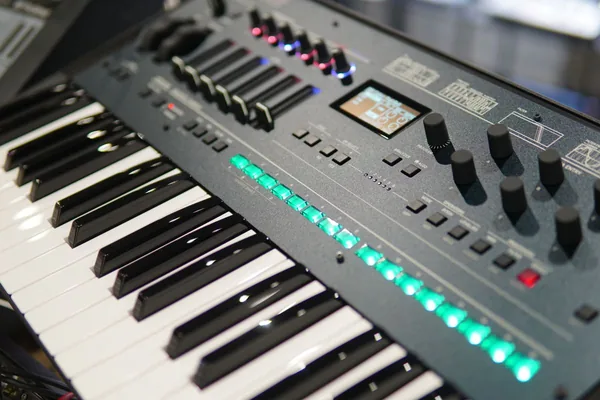
Cep synthini kurcala: dalga formları, filtre, klavye ve MIDI.
Mini Synth Çal →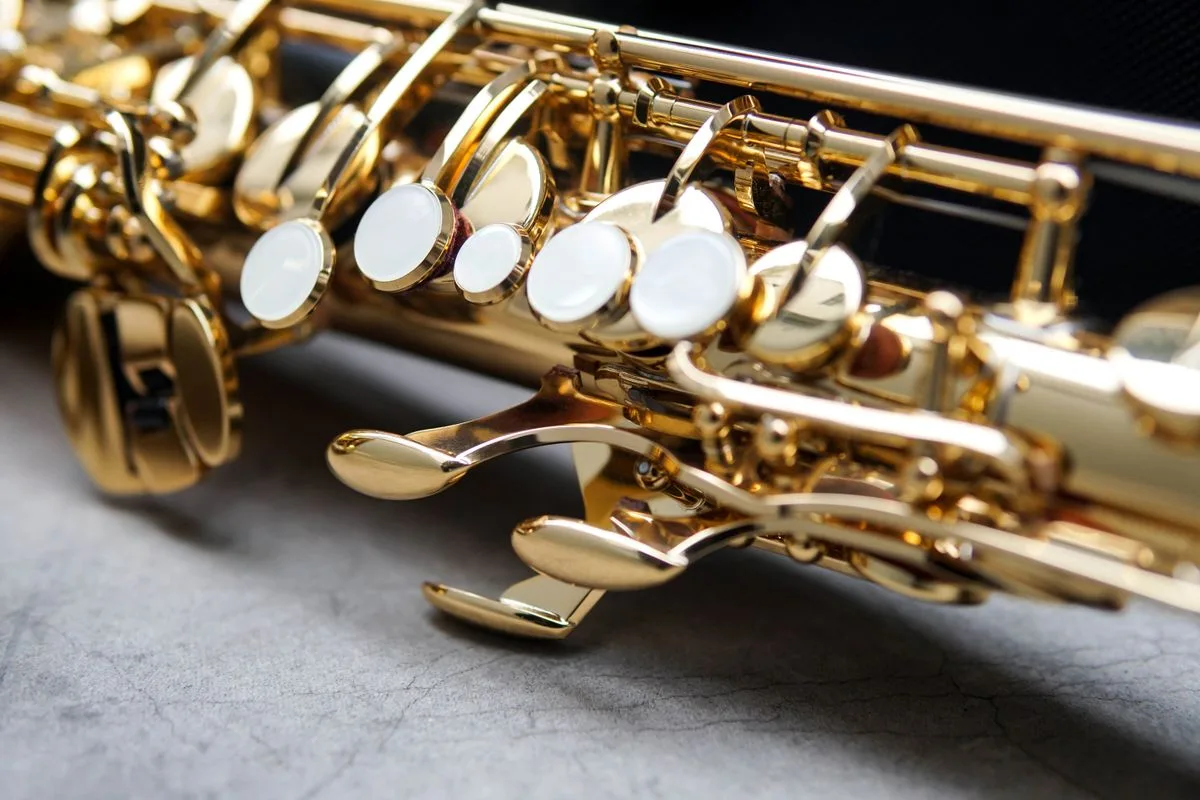
Gerçek parmak pozisyonları, nefesli synth sesi, klavye ve MIDI ile çevrimiçi saksafon çalın.
Saksafon Çal →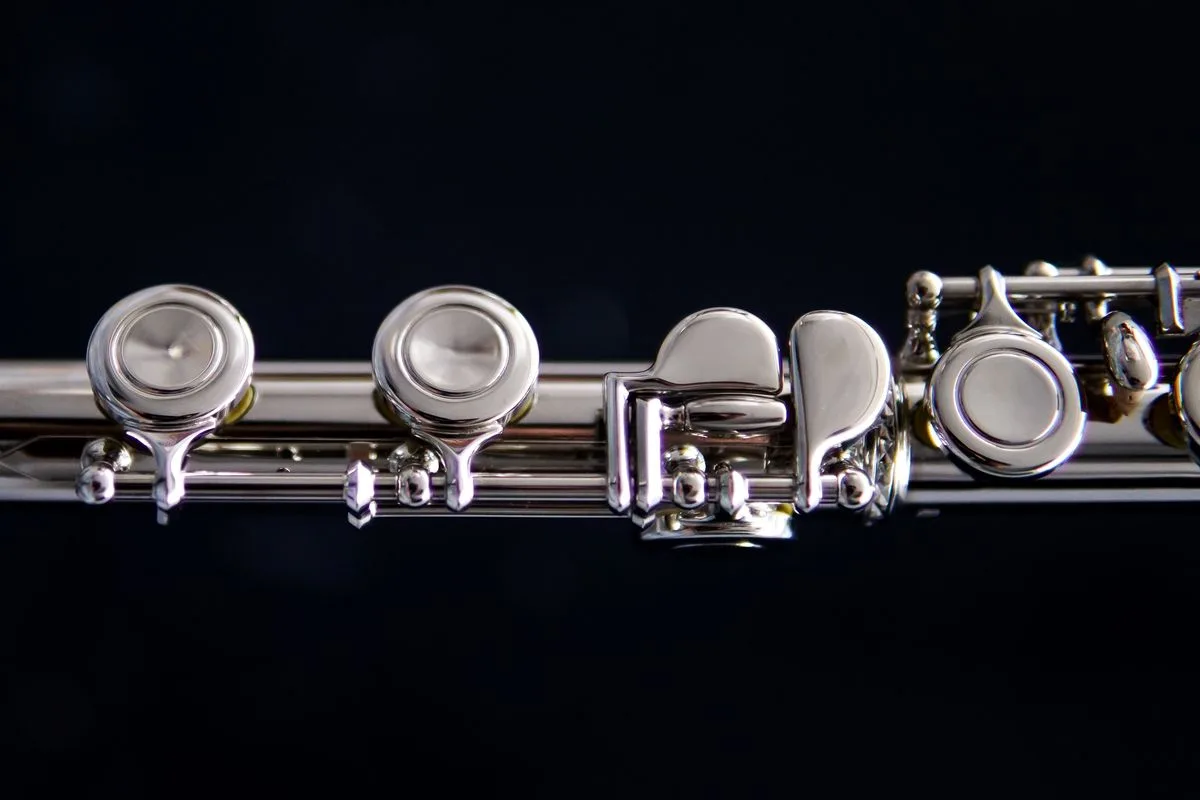
Gerçek parmak pozisyonları, nefesli gümüş ses, klavye ve MIDI ile çevrimiçi flüt çalın.
Flüt Çal →
Bateriyi çevrimiçi çal: hızlı tepki veren pedler, gerçek ritimler, klavye ve dokunmatik desteği.
Bateri çal →
Dholak çalın: bas, slap, tiz ve kasnak, klavye ve MIDI.
Dholak Çal →🎸 Strings (Guitar, Violin, Ukulele, Sitar) • 🎹 Keys (Piano, Kalimba, Mini Synth) • 🎷 Wind (Saxophone, Flute) • 🥁 Percussion (Drums, Dholak)
Hazır parçaları çalmakla kalmazsınız. Piyano ve gitar şarkı oluşturucularıyla kendi bestelerinizi yapın, akor yürüyüşlerini sıralayın ve eserlerinizi dışa aktarın.
Etkileşimli alıştırmalarla motivasyonunuzu koruyun. Kulak ve akor quizlerini çözün, ustalık puanları kazanın; hem enstrüman bazlı serileri hem de genel pratik serinizi büyütün.
Tek sekmede akustik ve sentetik enstrümanlar: Batı standartları (piyano, akustik ve elektro gitar, keman, saksafon, flüt, bateri, mini synth) ve dünya enstrümanları (Hawaii ukulelesi, Afrika kalimbası, Hint sitarı, Hint dholakı).
Tarayıcıdan çıkmanıza gerek yok. Akort cihazıyla gerçek enstrümanlarınızı akort edin, metronomla tempoyu sabitleyin ve çalışırken akor şemalarına bakın.
Donanım hızlandırmalı tarayıcı sentezi; QWERTY tuşlarına, dokunmaya, takılı USB MIDI klavyelere ve elektronik davul padlerine sürücü kurmadan anında yanıt verir.
Yes! All 11 virtual instruments (including piano, guitar, violin, flute, saxophone, sitar, dholak, and drums) run 100% inside your browser using the HTML5 Web Audio API. No downloads, native apps, or plugins are required.
Each instrument is mapped to standard QWERTY computer keys. For keyboard, wind, and string instruments (piano, synth, violin, flute, sax, sitar), letter keys trigger specific pitches and notes. For guitars and ukuleles, keys strum chords and pick strings. For drums and dholak, keys trigger different percussion pads. Mobile and tablet touchscreens offer full multi-touch support.
Our Piano and Guitar Song Builders let you arrange custom melodies, experiment with chord progressions, and assemble song tracks step-by-step directly in your browser.
Playing instruments and completing music quizzes earns practice points and counts toward your daily practice streak. You can track both individual instrument streaks and your overall global activity streak right in the top navigation bar.
Open the Drum Kit and tap or click any pad to hear that drum. On a computer the pads are mapped to your keyboard as well, with N for the kick and the letter printed on each pad for the rest of the kit. To practise a rhythm, switch on the beat panel and place hits on the 16-step grid, then set the tempo, swing and room to taste.
Use the Add to Home Screen option in the website's navigation. It lets you add the web app to your device's home screen so you can access it more quickly without repeatedly opening the browser and searching for the website.
The integrated Metronome lets you practice rhythm and chord transitions in real time. You can select your desired BPM (Beats Per Minute) using the tempo slider or input controls, choose your time signature (such as 4/4 or 3/4), start the auditory click track, and practice guitar strums or piano scales at a steady tempo directly in your browser without third-party software.
Mark mode lets you select notes that you want to practice. You can mark multiple notes and then play them back either individually in sequence or together as a group. This is useful for remembering note patterns and practicing specific combinations.
The Labels toggle displays the note names directly on the instrument. For example, on the guitar you can see notes such as C, F#, or G on the fretboard. On the piano, the corresponding note names are displayed on the keys. Labels are off by default to keep the instrument clean, while beginners can turn them on when learning.
The Guitar Tuner uses the device's microphone to detect the played guitar note. Its usefulness depends on factors such as microphone quality, background noise, and how clearly the string is played. For best results, use a reasonably quiet environment and play one string at a time.
Open Guitar Hub → Chord Chart, then search or browse for a chord. The chord view provides its fingering/diagram information and lets you hear the chord. You can then move to the Guitar Simulator to practice it.
The Song Builder lets you create your own arrangement by combining chords and musical settings. You can add chords from the chord library, preview a chord before adding it, reorder chords, remove chords, choose a strumming pattern on guitar, customize patterns per chord, set tempo/BPM, choose chord duration, and preview the complete arrangement. The Guitar and Piano builders follow the same overall creation concept while using their respective instruments.
The current Song Builder supports Record → Playback → Download. You can record your generated performance in the browser, listen to it again, and download the recording. The current recording implementation uses the browser's recording capabilities and produces a WebM audio recording.
Day Streak tracks your activity across days. The goal is to keep practicing and playing regularly rather than only using the platform occasionally. Your streak is displayed in the website's navigation.
The Day/Daily Streak represents your current daily practice activity. Global is a broader progress indicator associated with your overall activity rather than only today's activity. The small (i) information controls beside these metrics explain them directly to users.
Points are part of the platform's learning and gamification system. You can earn points through supported activities such as playing, completing quizzes, and sharing where the existing sharing reward is available. The Quiz feature lets you test your music knowledge and earn points for successful participation.