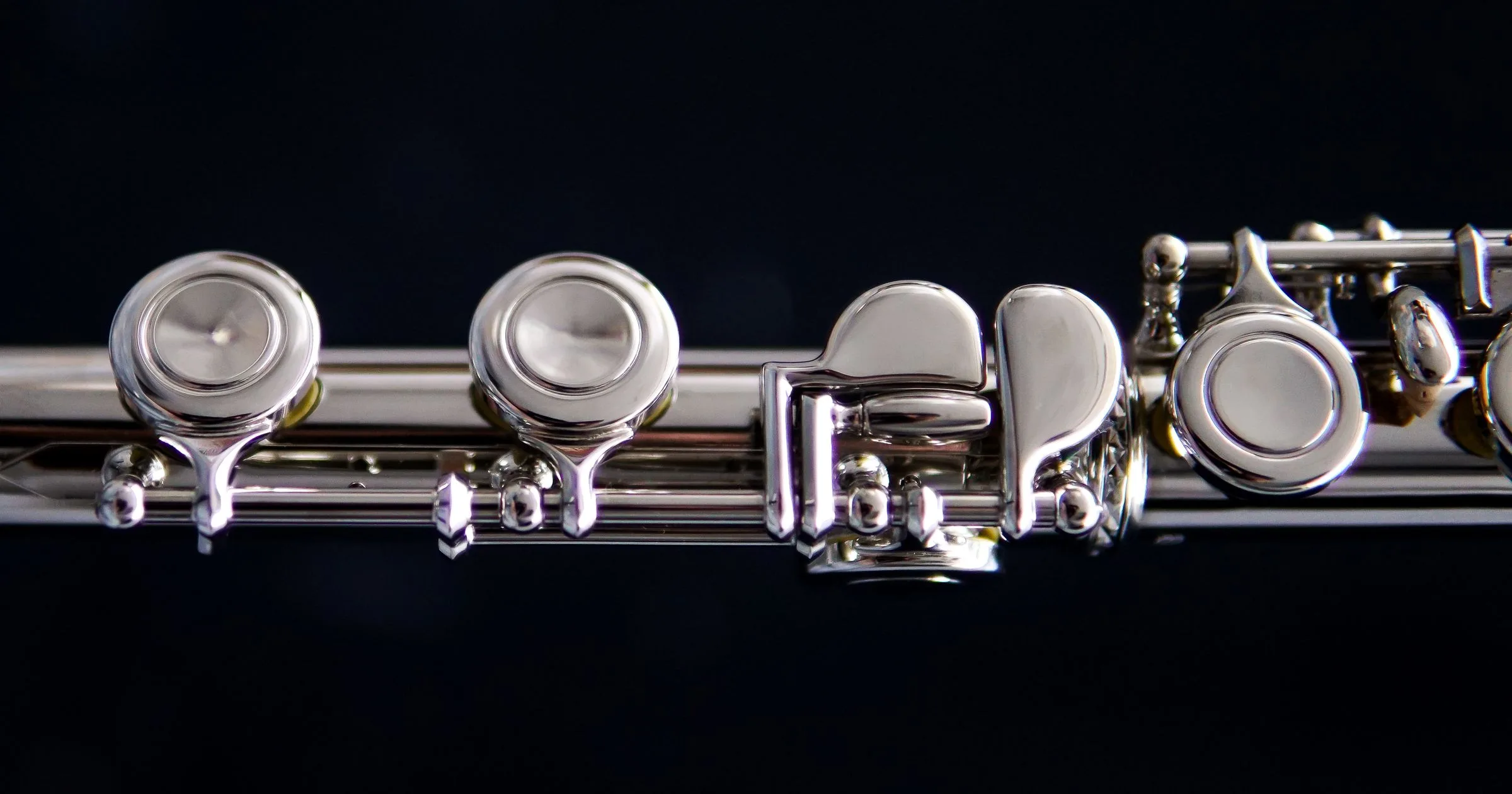
Play Flute Online — Free Virtual Flute with Real Fingerings
Finger a silver concert flute in your browser with real thumb + 6-hole fingerings, breathy synth tone, keyboard and MIDI — no download.
Cover the holes in combination like a real flute — or tap a note below. Keys A–' play chromatically C5–F6.
How to Play in Four Steps
- Tap a note in the strip to hear it — the holes light up with the real fingering.
- Cover the thumb, 6 holes and pinky in combination, like a real flute.
- Touch the air mark (overblow) for the upper octave — C6 and above.
- Connect a MIDI keyboard for airy solos, then record your take.
A Short History of the Flute
Flutes are among humanity oldest instruments — bone flutes 35,000 years old have been found in German caves. The modern silver concert flute comes from Theobald Boehm 1847 key system, which gave it full chromatic power.
From James Galway to the Indian bansuri masters like Hariprasad Chaurasia, the flute sings in orchestras, jazz and folk music on every continent. Play its melodies on the free playable flute in your browser above.
Acoustically, breath splitting across an embouchure hole sings through a cylindrical tube — reproduced here with an airy whistle-like synth voice.
Flute Quiz
0 / 3 · Score
Who designed the modern concert flute key system?
How do flute players reach the upper octave on this page?
What is the Indian bamboo flute called?
Frequently Asked Questions
Tap a note in the strip, press QWERTY keys A through quote for C5–F6, cover the holes in combination, or connect a MIDI keyboard. Every path plays the same breathy synth voice.
Yes. The chromatic C5–F6 layout plays diatonic concert-flute melodies and open modal phrasing suited for bansuri-style ragas.
It works as a flute fingerings online simulator: every note lights the thumb, holes and pinky with the real combination, and the strip doubles as a virtual flute notes test.
Yes — press QWERTY keys A through quote to play flute with PC keyboard across C5–F6, or connect MIDI for a silver-flute feel.
Taps trigger low-latency Web Audio voices with no round-trip delay, so keys, holes and the note strip respond instantly on touchscreens.
Yes — simplified Boehm basics: left thumb, 6 fingers, right pinky, plus overblow breath for the upper octave. The display shows the fingering for every note.
No plugins or downloads required. It loads instantly inside any modern mobile or desktop web browser.