歌曲构建器(钢琴与吉他)
不只是演奏现成曲目。用钢琴和吉他歌曲构建器创作自己的作品、编排和弦进行,并导出你的音乐创作。
Play, record, and master authentic instruments right in your browser. Practice with interactive song games, visual chord trainers, and plug-and-play Web MIDI support.

用智能工具和调音器练习扫弦、拨弦与和弦。
弹吉他 →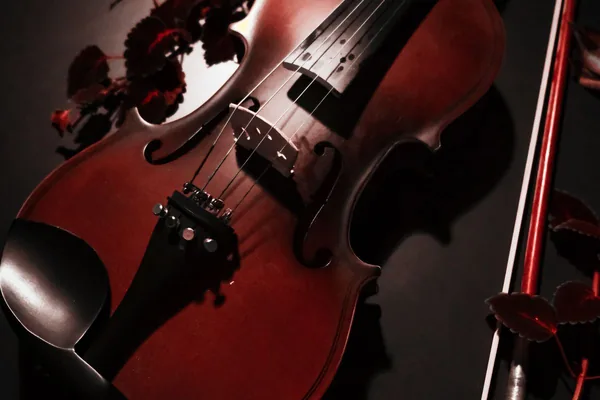
用温暖揉弦演奏小提琴,支持键盘和MIDI。
演奏小提琴 →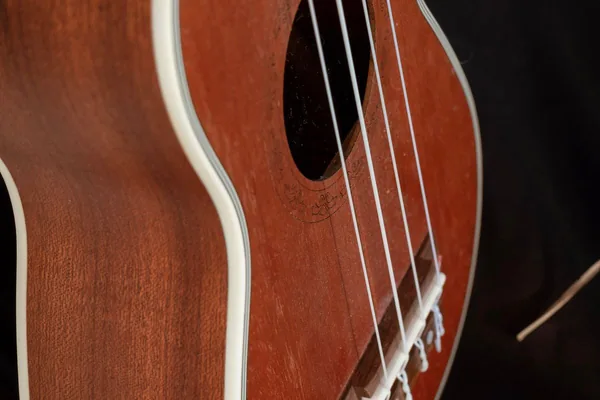
用明亮尼龙音色弹奏尤克里里,支持键盘和MIDI。
演奏尤克里里 →
用共鸣弦音色演奏西塔琴,支持键盘和MIDI。
演奏西塔琴 →
弹奏优美的琴键,探索音色,练习音符。
弹钢琴 →
用音乐盒音色弹奏17音拇指琴,支持键盘和MIDI。
演奏拇指琴 →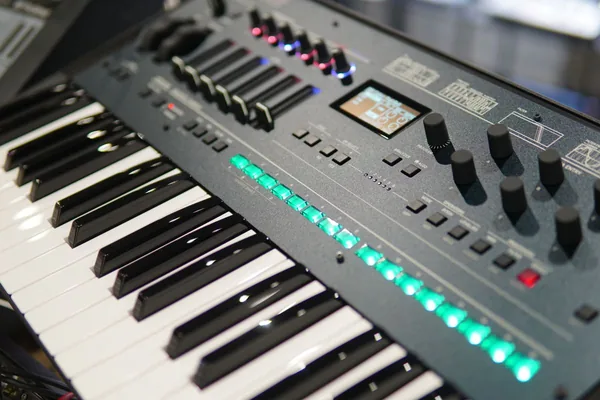
摆弄口袋合成器:波形、滤波器、键盘和MIDI。
演奏迷你合成器 →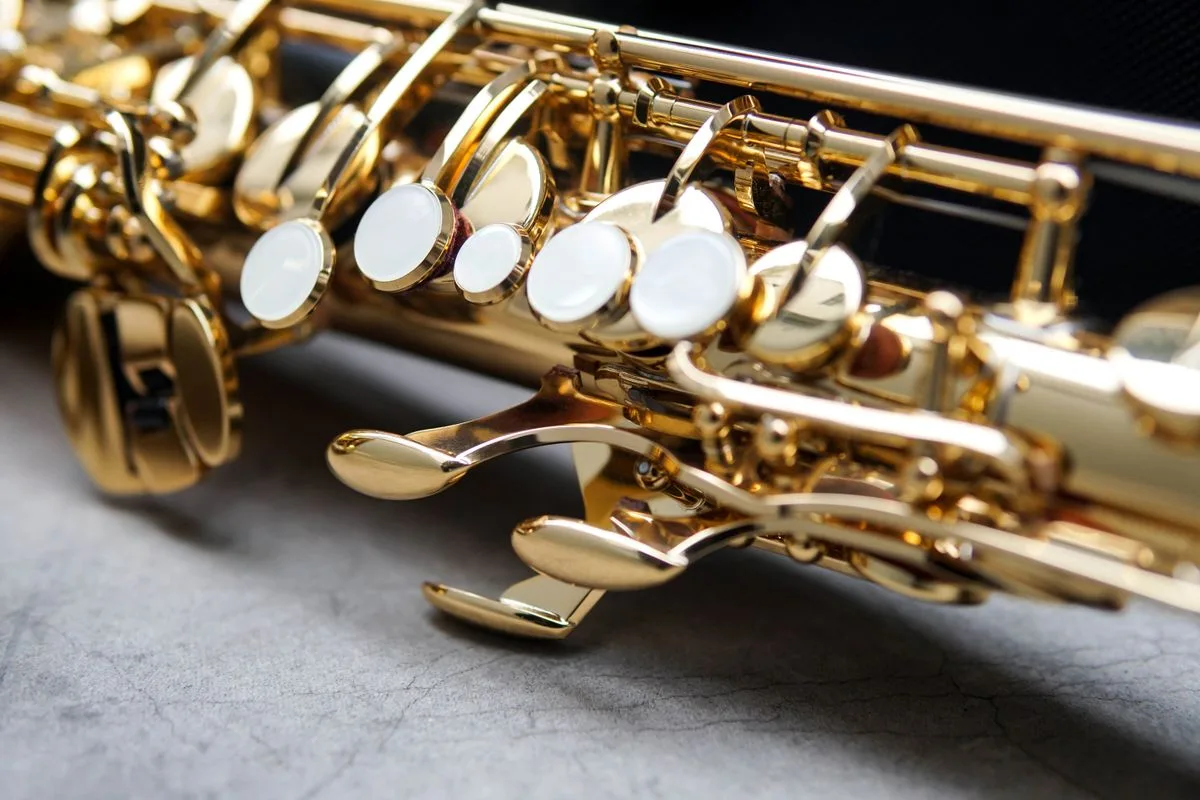
用真实指法、呼吸感合成音色、键盘和 MIDI 在线演奏萨克斯。
演奏萨克斯 →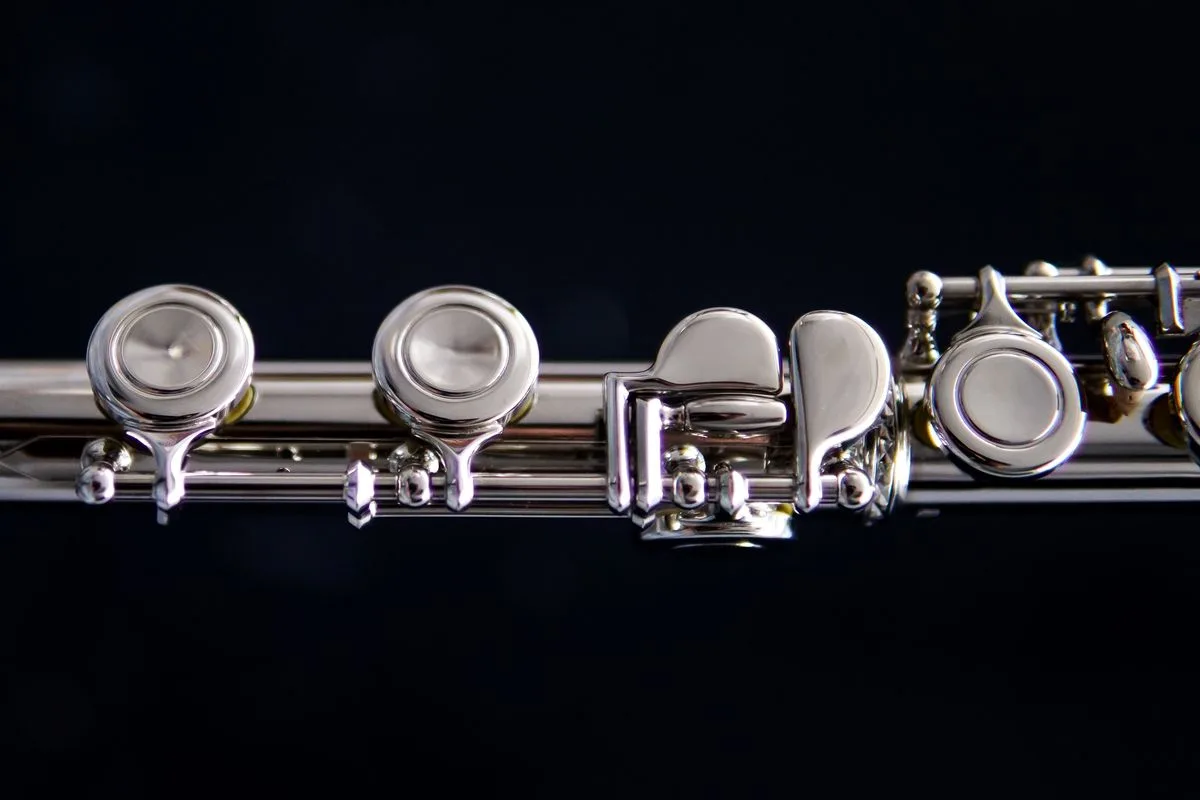
用真实指法、呼吸感银色音色、键盘和 MIDI 在线演奏长笛。
演奏长笛 →
在线打鼓:灵敏的鼓垫、真实节奏,完整支持键盘与触控。
打鼓 →
演奏多拉克鼓:低音、拍击、高音与鼓边,支持键盘和MIDI。
演奏多拉克鼓 →🎸 Strings (Guitar, Violin, Ukulele, Sitar) • 🎹 Keys (Piano, Kalimba, Mini Synth) • 🎷 Wind (Saxophone, Flute) • 🥁 Percussion (Drums, Dholak)
不只是演奏现成曲目。用钢琴和吉他歌曲构建器创作自己的作品、编排和弦进行,并导出你的音乐创作。
用互动挑战保持动力。完成听音与和弦测验,赢取精通积分,同时积累单乐器连续记录与全局练习连续记录。
在一个标签页里演奏原声与合成乐器:西方标准乐器(钢琴、原声与电吉他、小提琴、萨克斯、长笛、架子鼓、迷你合成器)与世界乐器(夏威夷尤克里里、非洲卡林巴、印度西塔琴、印度双头鼓)。
无需离开浏览器。用调音器校准真实乐器,用节拍器稳定节奏,练习时随时查看和弦图。
由硬件加速的浏览器合成器,对 QWERTY 按键、触屏,以及插入的 USB MIDI 键盘和电子鼓打击垫即时响应,无需安装任何驱动。
Yes! All 11 virtual instruments (including piano, guitar, violin, flute, saxophone, sitar, dholak, and drums) run 100% inside your browser using the HTML5 Web Audio API. No downloads, native apps, or plugins are required.
Each instrument is mapped to standard QWERTY computer keys. For keyboard, wind, and string instruments (piano, synth, violin, flute, sax, sitar), letter keys trigger specific pitches and notes. For guitars and ukuleles, keys strum chords and pick strings. For drums and dholak, keys trigger different percussion pads. Mobile and tablet touchscreens offer full multi-touch support.
Our Piano and Guitar Song Builders let you arrange custom melodies, experiment with chord progressions, and assemble song tracks step-by-step directly in your browser.
Playing instruments and completing music quizzes earns practice points and counts toward your daily practice streak. You can track both individual instrument streaks and your overall global activity streak right in the top navigation bar.
Open the Drum Kit and tap or click any pad to hear that drum. On a computer the pads are mapped to your keyboard as well, with N for the kick and the letter printed on each pad for the rest of the kit. To practise a rhythm, switch on the beat panel and place hits on the 16-step grid, then set the tempo, swing and room to taste.
Use the Add to Home Screen option in the website's navigation. It lets you add the web app to your device's home screen so you can access it more quickly without repeatedly opening the browser and searching for the website.
The integrated Metronome lets you practice rhythm and chord transitions in real time. You can select your desired BPM (Beats Per Minute) using the tempo slider or input controls, choose your time signature (such as 4/4 or 3/4), start the auditory click track, and practice guitar strums or piano scales at a steady tempo directly in your browser without third-party software.
Mark mode lets you select notes that you want to practice. You can mark multiple notes and then play them back either individually in sequence or together as a group. This is useful for remembering note patterns and practicing specific combinations.
The Labels toggle displays the note names directly on the instrument. For example, on the guitar you can see notes such as C, F#, or G on the fretboard. On the piano, the corresponding note names are displayed on the keys. Labels are off by default to keep the instrument clean, while beginners can turn them on when learning.
The Guitar Tuner uses the device's microphone to detect the played guitar note. Its usefulness depends on factors such as microphone quality, background noise, and how clearly the string is played. For best results, use a reasonably quiet environment and play one string at a time.
Open Guitar Hub → Chord Chart, then search or browse for a chord. The chord view provides its fingering/diagram information and lets you hear the chord. You can then move to the Guitar Simulator to practice it.
The Song Builder lets you create your own arrangement by combining chords and musical settings. You can add chords from the chord library, preview a chord before adding it, reorder chords, remove chords, choose a strumming pattern on guitar, customize patterns per chord, set tempo/BPM, choose chord duration, and preview the complete arrangement. The Guitar and Piano builders follow the same overall creation concept while using their respective instruments.
The current Song Builder supports Record → Playback → Download. You can record your generated performance in the browser, listen to it again, and download the recording. The current recording implementation uses the browser's recording capabilities and produces a WebM audio recording.
Day Streak tracks your activity across days. The goal is to keep practicing and playing regularly rather than only using the platform occasionally. Your streak is displayed in the website's navigation.
The Day/Daily Streak represents your current daily practice activity. Global is a broader progress indicator associated with your overall activity rather than only today's activity. The small (i) information controls beside these metrics explain them directly to users.
Points are part of the platform's learning and gamification system. You can earn points through supported activities such as playing, completing quizzes, and sharing where the existing sharing reward is available. The Quiz feature lets you test your music knowledge and earn points for successful participation.